
chat
Ask Fund Manager
Sending
WhatsApp Self-Service:
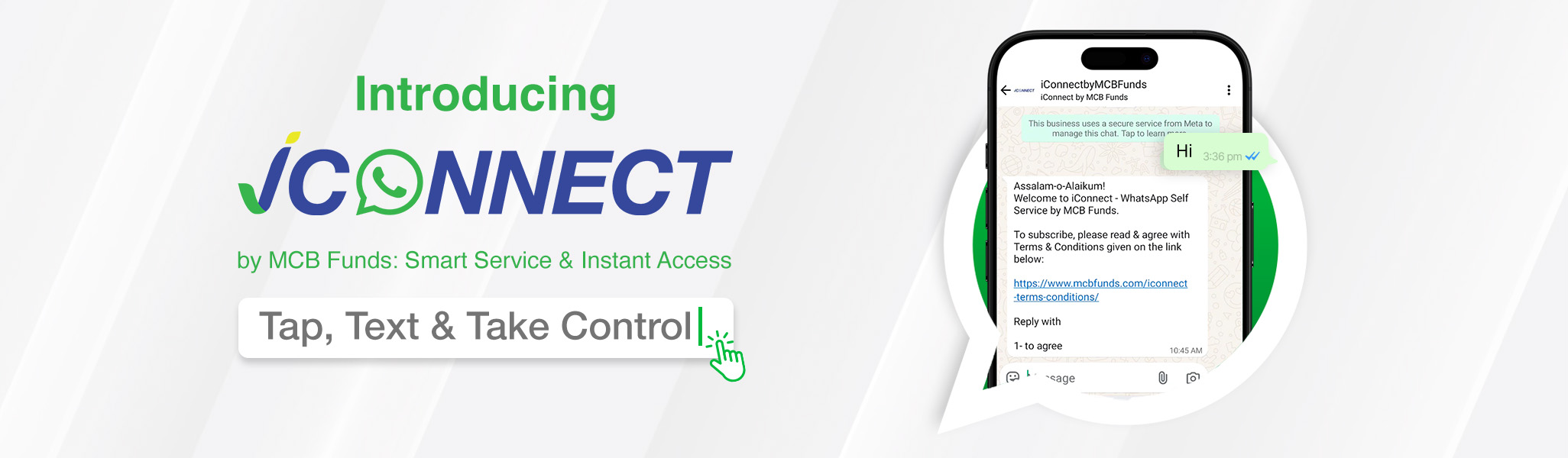
Send a simple ‘Hi’ and take control of all your financial needs today!
Click here to get started

iConnect

What is?

iConnect by MCB Funds offers existing customers instant, secure access to essential savings updates, anytime, anywhere. Available 24/7 and completely free, the service works exclusively through your registered number, ensuring a smooth, seamless, and automated self-service experience on WhatsApp.
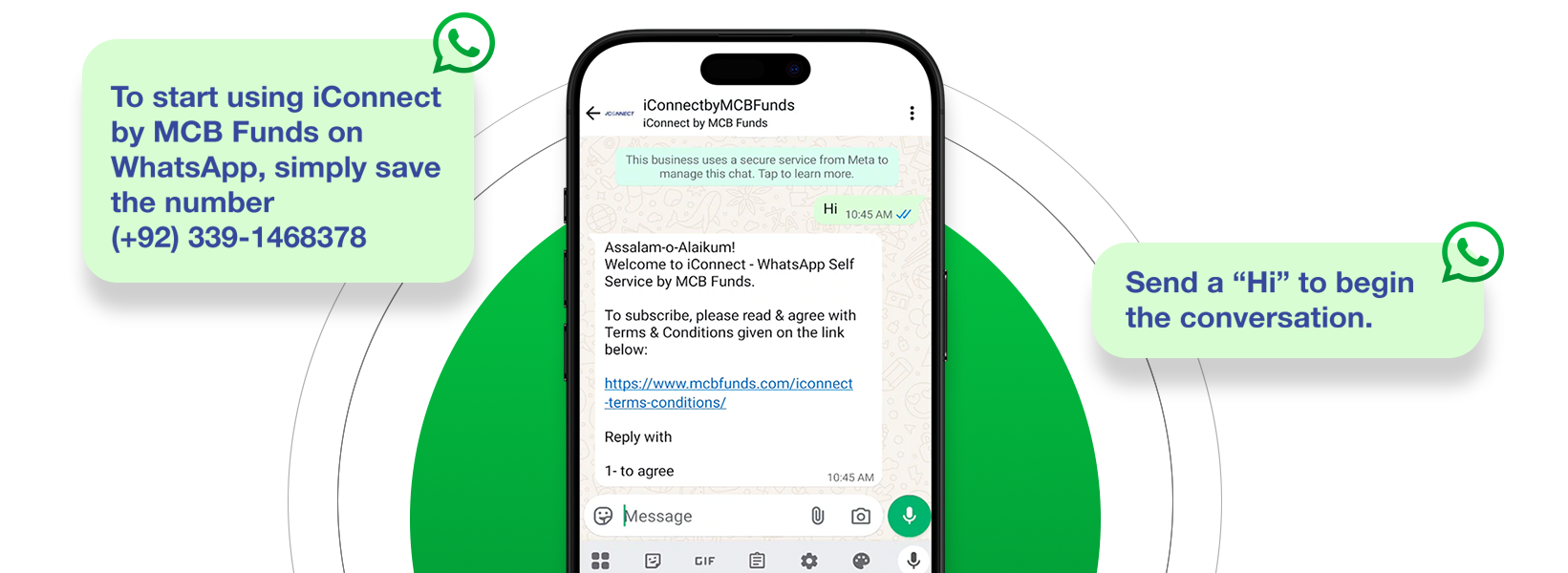
Getting Started with

QR Code

Scan the QR code below or click the link to access iConnectbyMCB Funds.

Investments Asaan. Savings Aur Bhi Asaan

FAQ’s

iConnect is a WhatsApp-based self-service platform by MCB Funds that allows existing customers to access key investment services securely and instantly—anytime, anywhere. It’s available 24/7 and free of cost.

Only existing MCB Funds customers can use iConnect. The service is accessible via the customer’s registered mobile number.

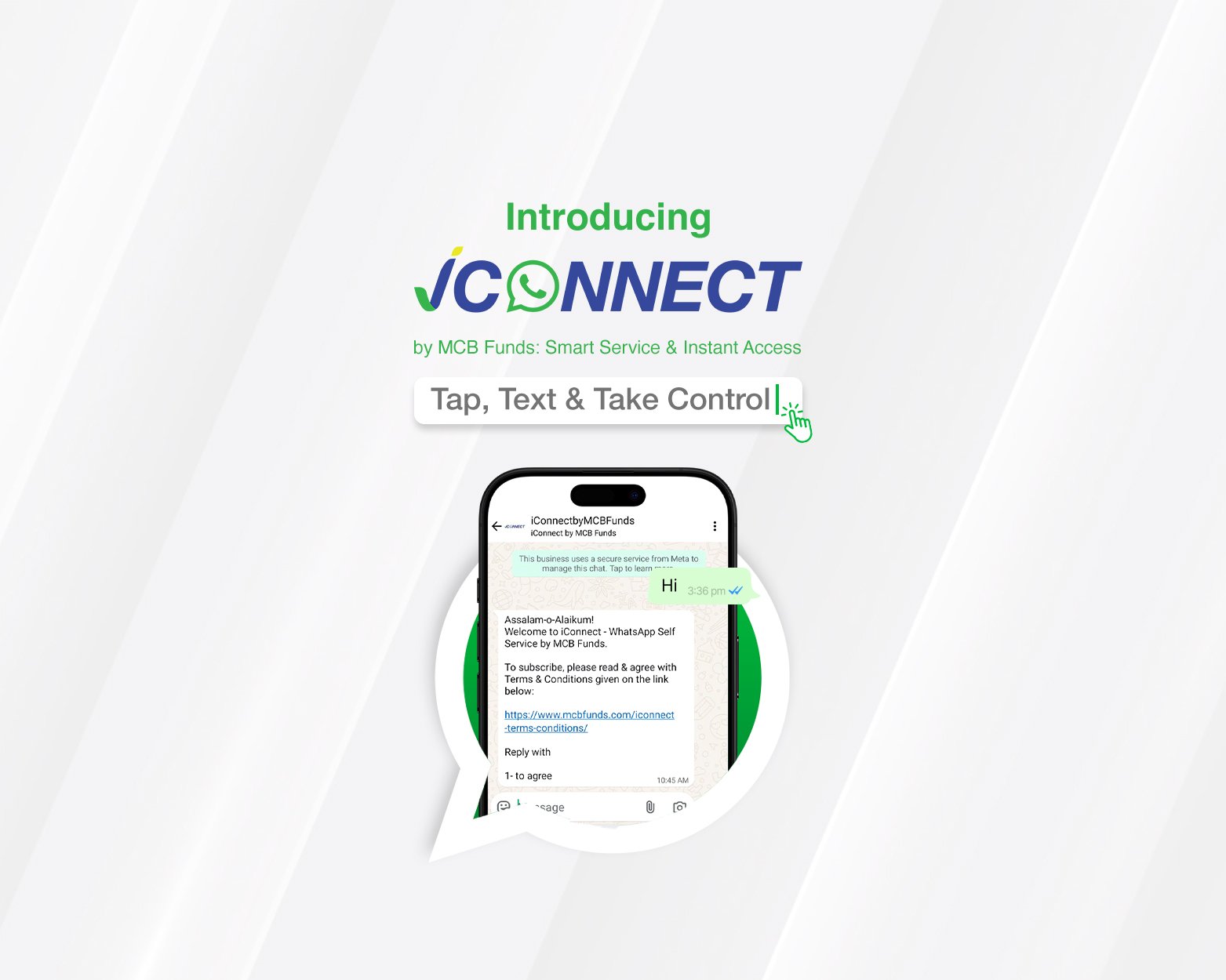
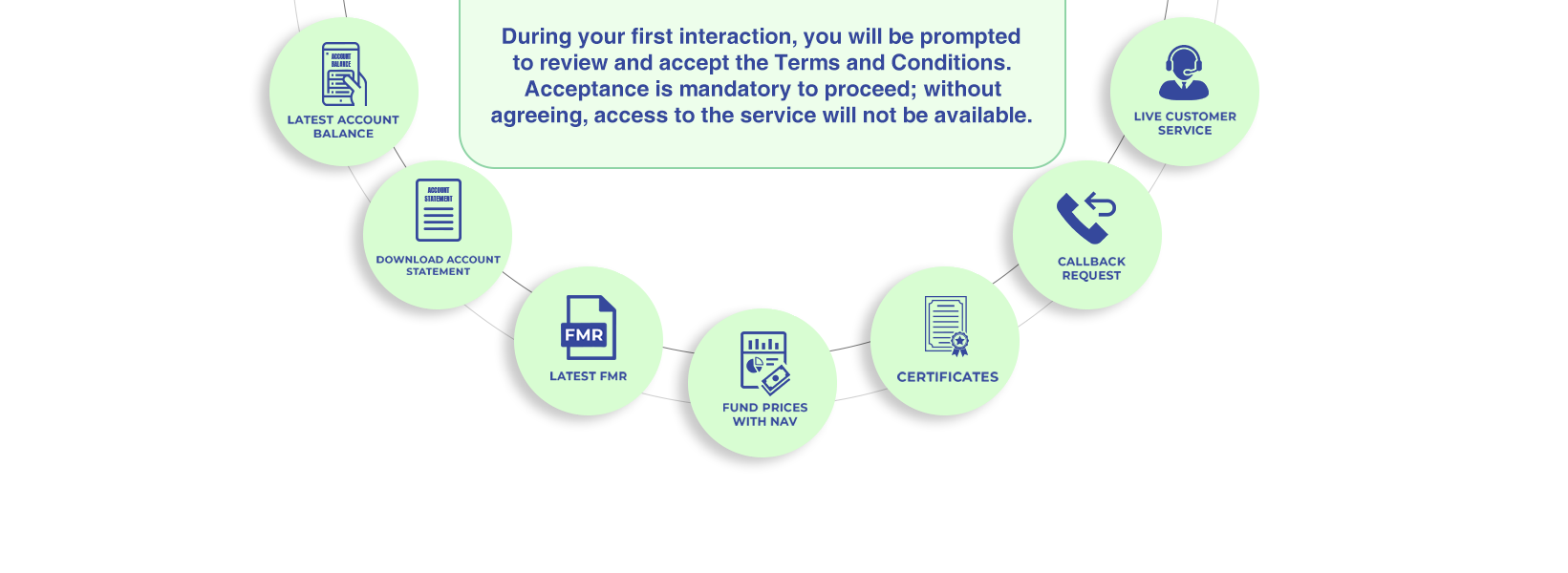
Simply send a message saying “Hi” to +92 339 1468378 on WhatsApp. You’ll be prompted to agree to the Terms and Conditions to activate the service.

You can:

  • 📊 View Latest Account Balance
  • 📥 Download Account Statement
  • 📄 Request Tax & Balance Certificates
  • 📋 Get the Latest FMR (Fund Manager Report)
  • 🏷️ Check Fund Prices with NAV
  • 📞 Request a Callback from Your Investment Advisor
  • 🙋‍♂️ Connect with Live Customer Support

Reply with “1” after agreeing to the Terms & Conditions. You’ll receive individual and consolidated balances for all your account

Reply with “2”, select your account, and choose a period (Last 30, 90, 180, or 365 days). A PDF statement will be shared, secured with a password (your date of birth in ddmmyyyy format).

Yes. Reply with “3” and follow these steps:

  • Select the account
  • Choose certificate type: WHT, CGT, Tax Credit, or Balance Today
  • Select the year (for tax-related certificates)
  • A PDF certificate will be shared accordingly.

Reply with “4”, choose between Alhamra Islamic FMR or MCB Funds FMR, and download the PDF report.

Reply with “5”. You’ll be directed to the official MCB Funds price page: https://www.mcbfunds.com/daily-fund-price

Reply with “6” to register your callback request. Your assigned advisor will contact you shortly.

Reply with “7” and choose “Yes, connect me to Live Customer Service.” You will be redirected to MCB Funds’ WhatsApp Support Team.

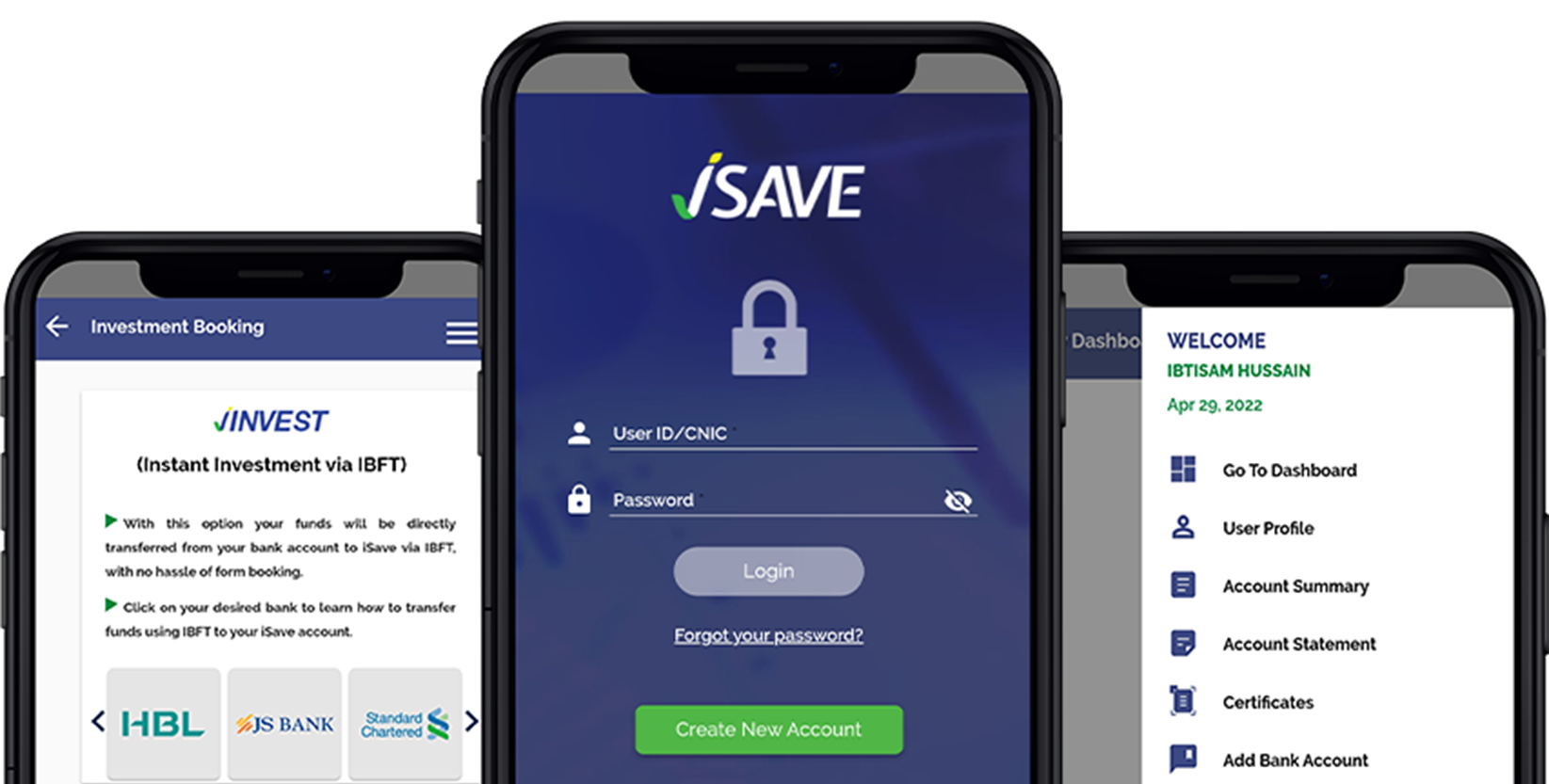
If your number is not registered, you’ll receive a message stating that iConnect is only for existing customers. You’ll be guided to open an account through the iSAVE App.

Yes. The service works only through your registered mobile number and follows MCB Funds’ data protection and security protocols.

Disclaimer: All investments in mutual fund are subject to market risks. Past performance is not necessarily indicative of the future results. Please read the Offering Document to understand the investment policies and the risks involved.

Don’t have

Sign up now for endless possibilities!

Don’t have

Sign up now for endless possibilities!